A practical guide to this topic
Financial modeling in Excel links inputs, assumptions and calculations to financial outcomes. Useful models are understandable and repeatable: readers can see which figures are inputs, how they are transformed and what changes when an assumption moves.
For spreadsheet analysts improving a repeatable finance task and finance managers reviewing model outputs.
The archive covers both spreadsheet technique and the work around a workbook. Formula tools, Python analysis and data preparation address different problems. Start by naming the task: cleaning a recurring export, comparing budget and actuals, matching records, or presenting a result. The choice of technique should follow that task rather than the novelty of a feature.
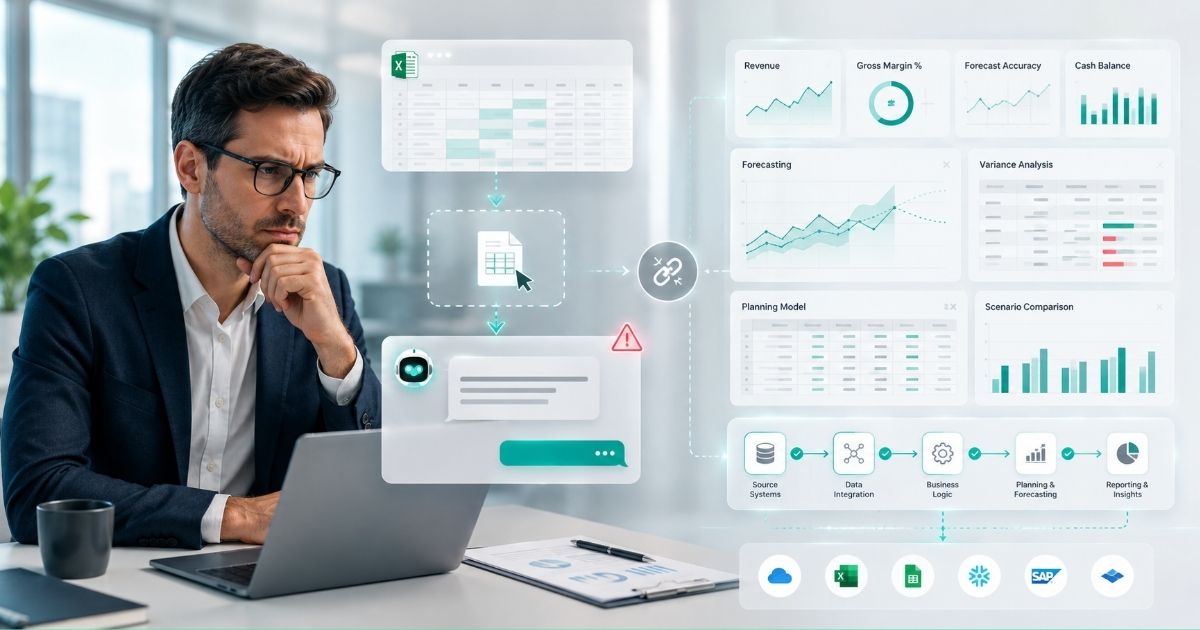
A model is not automatically governed because it lives in Excel or uses a new add-in. Teams still need agreed source data, clear versions and a way to review outputs. The connected FP&A guide explains why consolidating and controlling inputs can matter as much as changing formulas. Python in Excel introduces programmatic analysis within cells, but statistical assumptions and exceptions still need review.
Use the learning path to move from spreadsheet options into repeatable analysis and reporting. It is suitable for finance users who want to extend an existing workbook rather than replace everything. Budgeting and forecasting supplies the business questions a model should answer; reporting and automation connects the model to reliable actuals and recurring delivery.
Tasks to explore
- Prepare recurring data inputs
- Build a variance comparison
- Explore Python analysis in cells
- Evaluate a task-specific add-in
A learning path
- Python in Excel for FP&A
- The Guide to Creating a Variance Analysis Report in Excel
- Best Excel Plugins: Free, Paid, and AI Add-Ins
- Getting Real FP&A Automation While Staying in Excel
Common questions
Does Python replace spreadsheet modeling?
It can extend analysis within Excel; existing inputs, models and review routines still matter.
What should drive add-in selection?
The task, compatibility and control requirements—not simply whether a product is described as AI-enabled.
Why examine data handoffs?
Repeated exporting and pasting can create reconciliation and version problems before modeling starts.
Connect this topic with Budgeting & Forecasting and Reporting & Automation. See the Knowledge directory and glossary for more reading routes.